
Nintendo Switch 2’s GameChat is a system-level social feature rather than a voice option hidden inside one game. Nintendo’s official GameChat overview describes a group space for up to 12 people to talk while they play, share screens in real time, and optionally switch on video with a compatible USB-C camera. The feature is designed to keep the conversation attached to the console, even when the group is not playing the same thing.
That combination makes GameChat one of the more consequential additions to Nintendo Switch 2. It changes how friends move between games, how a family manages online interaction, and what accessories a player actually needs. The interesting part is not that Nintendo added voice chat. It is that the company is making voice, screen sharing, camera video, and game sharing part of the same system-level session.
A room for 12, with a smaller stage for video
The headline limit is 12 participants for voice chat. That is large enough for a regular group to stay together without splitting into separate calls, and it leaves room for a social lobby that is not tied to a single multiplayer match. Nintendo says up to four people can share their game screen or take part in video chat simultaneously, so the visual layer is deliberately smaller than the voice group.
That difference matters in practice. A full voice group can function like a living party channel, while screen sharing is a curated view of what a few players are doing. Someone can show a puzzle solution, let friends watch a different game, or keep talking while the rest of the group plays elsewhere. Nintendo’s framing is less about broadcasting a single match and more about keeping a group present around several activities.
The C Button makes the console the interface
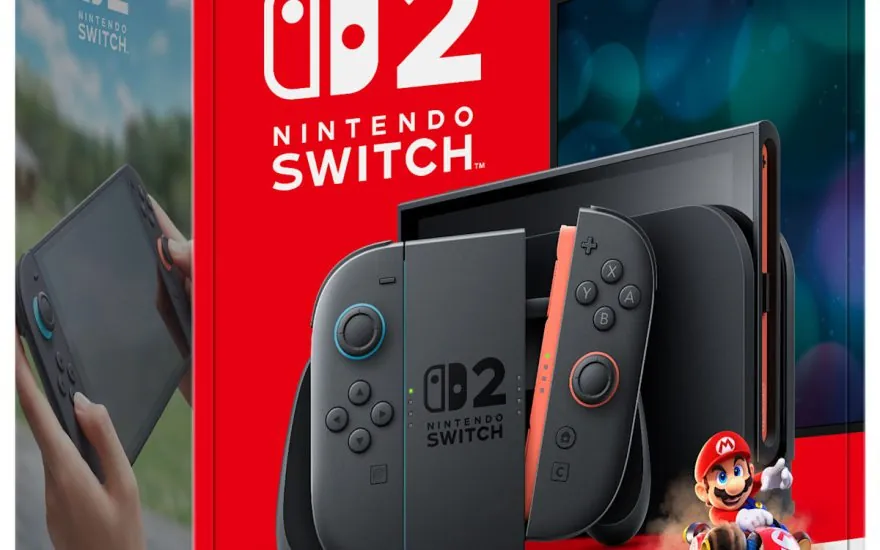
Once GameChat is configured, the C Button on the right Joy-Con 2 opens it without pausing the game. Nintendo presents the button as the quick route for starting a chat, responding to an invitation, or muting yourself. This is a small hardware decision with a large effect: the system does not ask players to leave the game, find a separate app, or remember which title owns the conversation.
Players using an original Joy-Con or Nintendo Switch Pro Controller do not have a C Button, but Nintendo says they can launch GameChat from the HOME Menu. That fallback keeps the feature usable with existing controllers, although the experience is less immediate. The transfer process also deserves a note here: Nintendo’s System Transfer guide says GameChat settings need to be adjusted after moving from Nintendo Switch, even though other settings and parental controls can transfer.
The built-in microphone lowers the starting cost
Nintendo Switch 2 includes a built-in microphone, so voice chat does not require a headset or camera on day one. Nintendo says the microphone adjusts its input for the surroundings, filters unwanted noise such as game audio, and adapts its volume for different situations. The goal is to make voice chat work in handheld, tabletop, and TV modes without asking every player to assemble a separate setup first.
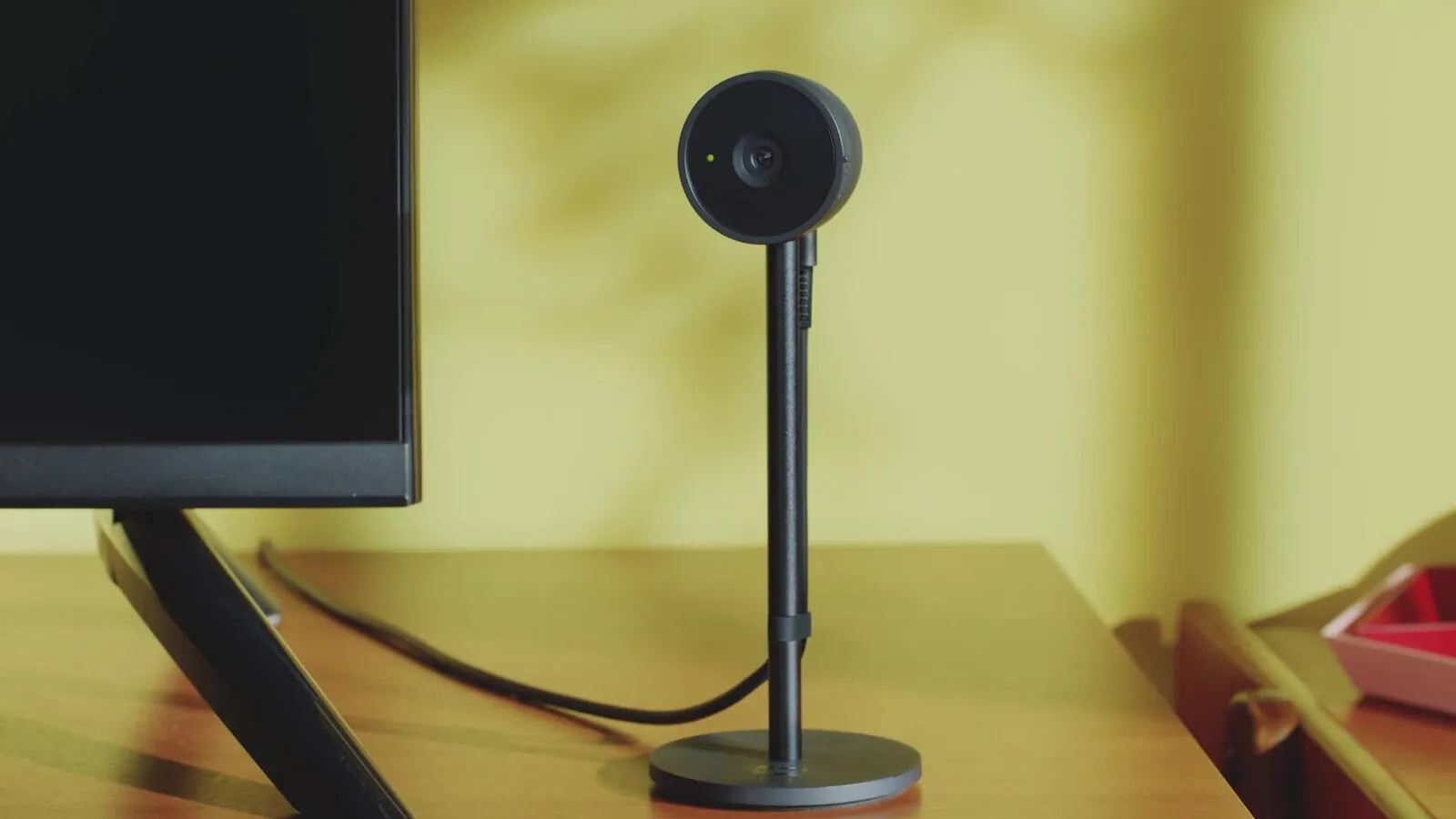
A USB-C camera is optional for voice chat and required only for video features. Nintendo’s Switch 2 FAQ says up to 12 people can connect with audio alone through the system microphone, while video chat and screen sharing can involve up to four people with a compatible USB camera. The camera also has a visible status light and a privacy shutter, and Nintendo says it turns on when a player activates the camera in GameChat or uses CameraPlay in a compatible game.
That separation between voice and video is a sensible design choice. It keeps the social feature accessible without turning a camera into an admission fee, while still giving groups a reason to add one later. The camera adds more than faces in a corner, too: Nintendo says a player can change the background or use the game being played, and CameraPlay can place a player and up to three friends inside compatible games.
GameShare changes what “playing together” means
GameShare is where GameChat moves beyond a familiar group call. If a game supports GameShare through GameChat, Nintendo says the host can share the game with friends in the chat even if they do not own it. Select modes can be played by up to four people in the chat group. The limitation is important: GameShare is not a universal license for the Nintendo Switch 2 library, and Nintendo’s FAQ confirms that it works only with compatible games.
The model is closer to passing around a playable demonstration than opening every mode to every participant. A friend can join an eligible experience, see what the host is doing, and become part of a shared session without buying the same game first. That could make local-style party games easier to organize online, but the value depends on a steady stream of compatible titles and clear explanations of which modes are included.
There are also cross-generation boundaries. Nintendo says a compatible Nintendo Switch 2 game can be shared to Nintendo Switch through local communication in the cases it supports, but GameShare must be initiated by a Nintendo Switch 2 system. A Nintendo Switch can receive some compatible shared games locally, but it cannot start the online GameShare flow.
The social layer has deliberate gates
GameChat is not an open public lobby. Nintendo says only people on a player’s Friend List can be invited, and a user must approve specific friends for GameChat. Setup also requires text-message verification through the phone number registered to the Nintendo Account. These steps add friction, but they define the feature as a managed circle rather than a drop-in room with unknown participants.
Players can report someone for offensive or harassing behavior. Nintendo says it may take action, including suspending the reported Nintendo Account, if the behavior is confirmed. The FAQ adds that Nintendo reviews audio or video recordings after a GameChat report; otherwise, recordings stay privately stored on the device and are not sent to Nintendo. That is a meaningful distinction for anyone deciding whether to let a child use the feature.
For players under 16 and supervised users, a parent or guardian must allow GameChat in the Nintendo Switch Parental Controls app. Younger players can then use the feature only with Nintendo Account friends approved by the parent or guardian. The controls can also cover video chat, and Nintendo says parents can review chat history such as who a child chatted with and for how long.
What GameChat says about Nintendo Switch 2
GameChat is a bet that the console itself should own the social space. Voice chat is available from the system, the microphone is built in, screen sharing is not tied to one game, and GameShare can turn a conversation into a playable group session. The C Button gives that space a physical doorway.
There are still practical limits. GameChat requires a Nintendo Switch Online membership, a Nintendo Account, and internet access for online features, and availability varies by country. Video needs a compatible camera. GameShare needs supported games. Under-16 players need approval. None of those rules are hidden, but they mean the best version of GameChat depends on the group, the game, and the household settings around it.
That is why GameChat feels more significant than a checklist feature. Nintendo is building a social layer that can persist between games, but it is also choosing a controlled version of that layer, with friends, verification, reporting, and parental approval at the center. The result could be quieter and more manageable than a general-purpose voice service, while still making the Switch 2 feel more like a shared room than a machine that only launches games.
For a broader look at the console’s hardware trade-offs, read our Nintendo Switch 2 versus Steam Deck comparison. The official GameShare page has the current list of supported modes and requirements.